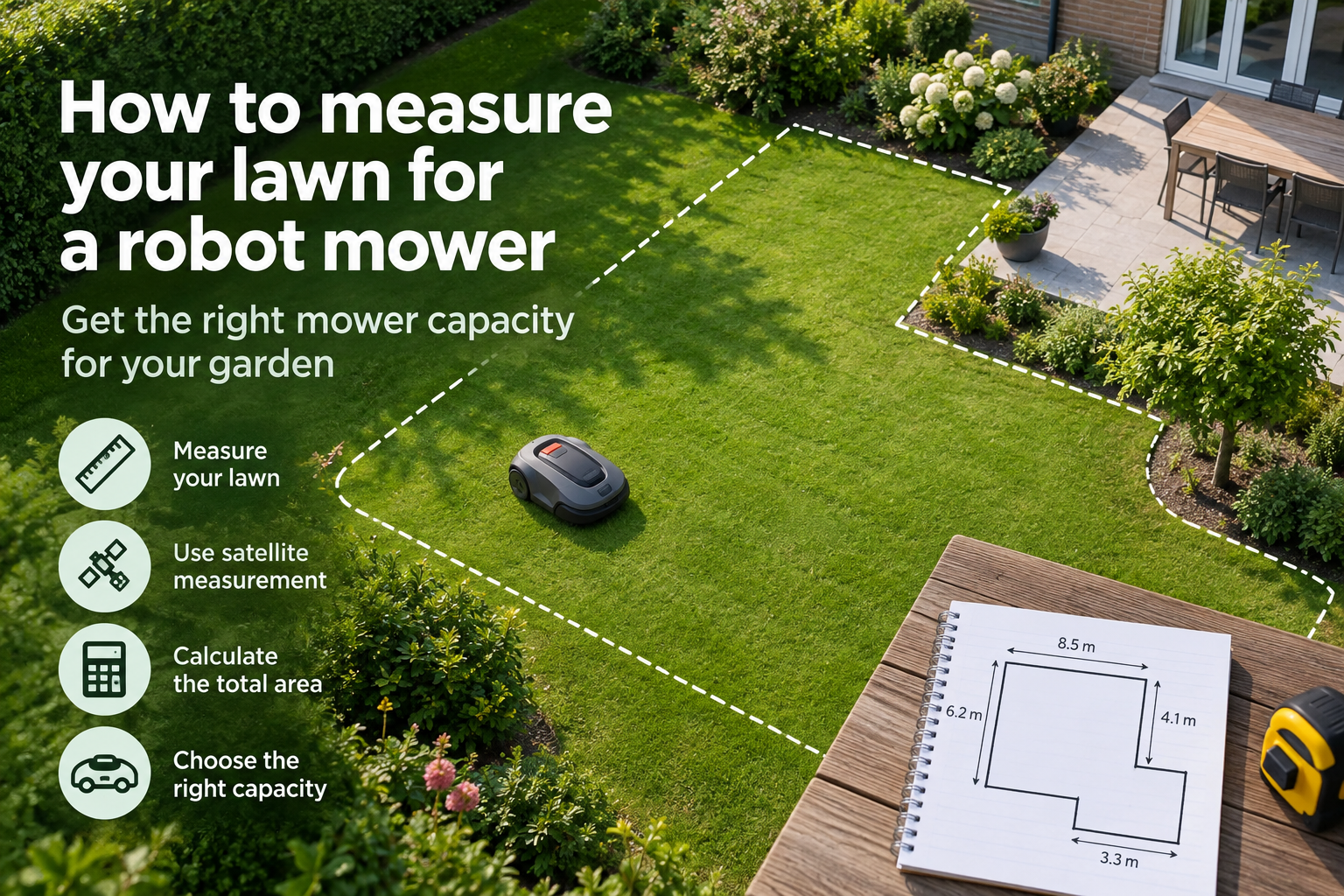
Measuring your lawn accurately is one of the easiest ways to narrow down which robot mowers are suitable for your garden.
Robot mowers are usually rated for a maximum lawn area in square metres. If you underestimate the size of your lawn, you could choose a mower that does not have enough capacity to maintain it efficiently.
You do not need a perfectly precise survey. A good estimate of the mowable grass area is usually enough to compare mower capacities and rule out models that are too small for your garden.
You can measure your lawn manually, or use the Measure on satellite map function on the Robot Mower Compare homepage to estimate your lawn area from a satellite map.
The quick answer
Measure only the lawn area you want the robot mower to cut and calculate the total in square metres. For simple lawns, you can calculate the area from basic dimensions. For irregular gardens, use the Measure on satellite function in Section 2 of the Robot Mower Compare homepage to estimate the mowing area from a satellite map.
In this guide
- Why lawn size matters
- Measure your lawn using a satellite map
- Measure simple lawns manually
- Measure irregular-shaped lawns
- Exclude areas the mower will not cut
- Measure separate lawn areas
- Allow some extra mower capacity
- Use your measurement to compare mowers
1. Why lawn size matters
Robot mowers are designed to maintain lawns within a particular area range, usually stated in square metres.
The lawn-area rating helps indicate whether a mower has enough battery capacity, charging time and mowing performance to maintain the amount of grass in your garden.
Choosing a mower with too little capacity can mean it needs to spend too much time mowing and charging to keep up with the lawn. You also do not need to pay for substantially more capacity than your garden requires.
Start with a reliable estimate of your mowable lawn area, then use that figure alongside slope, layout and navigation requirements when comparing models.
2. Measure your lawn using a satellite map
For many gardens, the quickest way to estimate lawn size is to measure the mowing area on a satellite map.
On the Robot Mower Compare homepage, go to Section 2 and select Measure on satellite. Use the map to mark the outline of the lawn you want the robot mower to maintain. The tool will calculate the approximate area for you.
Trace the actual mowable grass rather than the entire property. Exclude large areas such as the house, patio, driveway and other spaces the mower will not cut.
This method is particularly useful for irregular-shaped lawns where calculating the area from basic length and width measurements would be difficult.
3. Measure simple lawns manually
If your lawn is roughly rectangular or square, you can calculate its area using a tape measure or measuring wheel.
Measure the length and width of the mowable lawn in metres, then multiply the two figures together.
For example, a lawn that is 20 metres long and 10 metres wide has an area of 200 square metres.
If your garden contains several simple lawn sections, measure each section separately and add the areas together to calculate the total.
4. Measure irregular-shaped lawns
Irregular lawns can be difficult to measure accurately using a single length and width calculation.
One option is to divide the lawn into several simple shapes, such as rectangles, squares or triangles. Calculate the area of each section separately and then add the results together.
You do not need an exact measurement to the nearest square metre. The aim is to get a reliable estimate that helps you compare robot mower capacities.
For complicated lawn shapes, the Measure on satellite function on the Robot Mower Compare homepage will usually be quicker than measuring each section manually.
5. Exclude areas the mower will not cut
Your lawn measurement should include only the grass the robot mower will actually maintain.
Exclude areas such as the house, patio, driveway, large permanent flower beds, ponds and other spaces that are not part of the mowing area.
Small obstacles such as individual trees do not always need to be deducted from the total because they usually make only a minor difference to the overall lawn size.
The goal is a practical estimate of the mowable area rather than an exact measurement of the entire garden.
Measured your lawn? Compare suitable mowers
Use your lawn area to compare robot mowers with the capacity, navigation, slope capability and features your garden needs.
6. Measure separate lawn areas
If your garden has two or more separate lawns, measure each mowing area individually and add them together to calculate the total grass area.
Also consider how the robot mower will move between those areas. Some models can travel through connecting passages automatically, while others may need separate mowing zones or manual movement between lawns.
Lawn size alone therefore does not determine suitability. If your garden has separate areas, check the mower’s multi-zone capabilities as well as its maximum lawn capacity.
7. Allow some extra mower capacity
Avoid choosing a robot mower whose maximum lawn capacity only just matches your measured area.
Real gardens can be more demanding than a simple area figure suggests. Slopes, narrow passages, obstacles, complex layouts and separate mowing zones can all affect how efficiently a mower covers the lawn.
Choosing a mower with some capacity above your measured lawn size gives you a useful margin and can also accommodate small measurement differences or future changes to the mowing area.
You do not need excessive unused capacity, but a sensible margin is preferable to regularly operating at the mower’s stated maximum.
8. Use your measurement to compare mowers
Once you know your approximate lawn area, use it as the first filter when comparing robot mowers.
Remove models that do not have enough capacity for your lawn, then compare the remaining options by slope capability, navigation system, garden layout, features and price.
Remember that the largest capacity does not automatically make a mower the best choice. The aim is to find a model with enough capacity for your lawn while also matching the other conditions in your garden.
You can enter your lawn size into the Find my mower tool on the Robot Mower Compare homepage to narrow down suitable models.
What matters most
- Lawn area — Measure only the grass the robot mower will actually maintain.
- Satellite measurement — Use Measure on satellite on the Robot Mower Compare homepage for a quick estimate, especially with irregular lawns.
- Separate areas — Add the size of each lawn together and check whether the mower supports multiple zones.
- Extra capacity — Choose a mower with some capacity above your measured lawn area rather than operating at its maximum limit.
- Other requirements — Use lawn size as a starting point, then compare slopes, navigation, layout, features and price.
Find a robot mower for your lawn
Use your lawn measurement to compare robot mowers by capacity, slope capability, navigation, features and price to find models suited to your garden.
Find my mower →